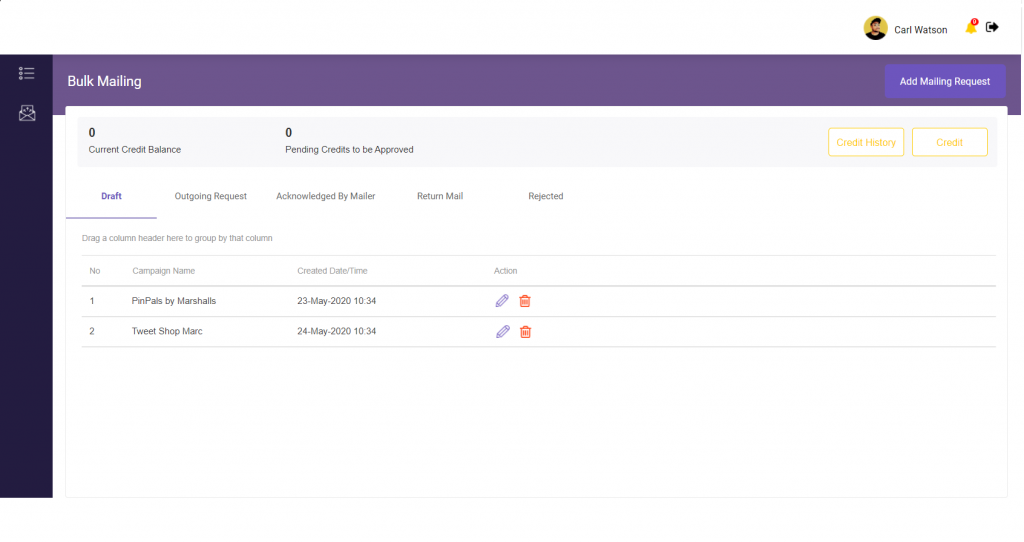
- Log in to your Account. Click on Add Mailing Request to select the type of mailing request.
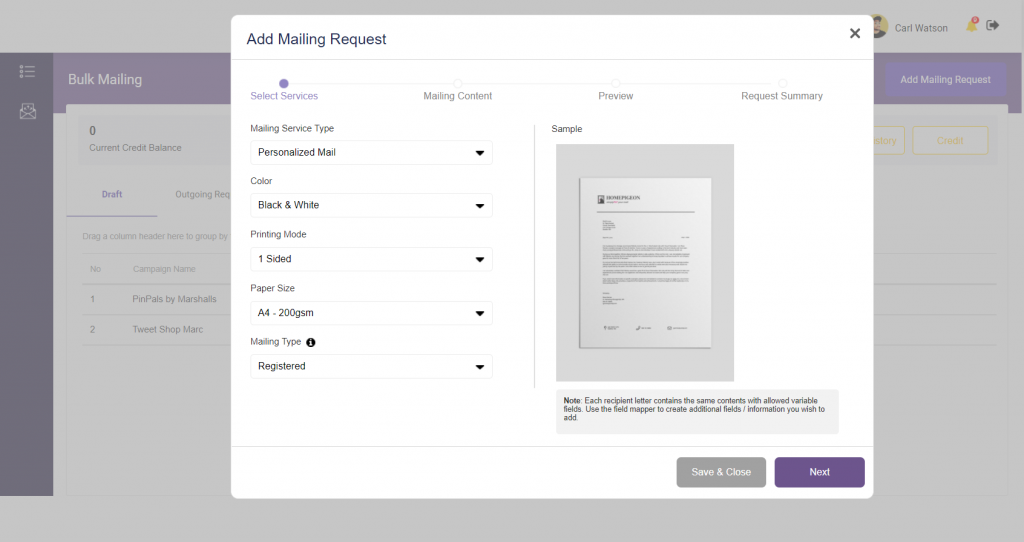
- Proceed to select the type of services and click Next. You may load your list of recipients to create your document however each recipient is limited to two (2) pages content print.
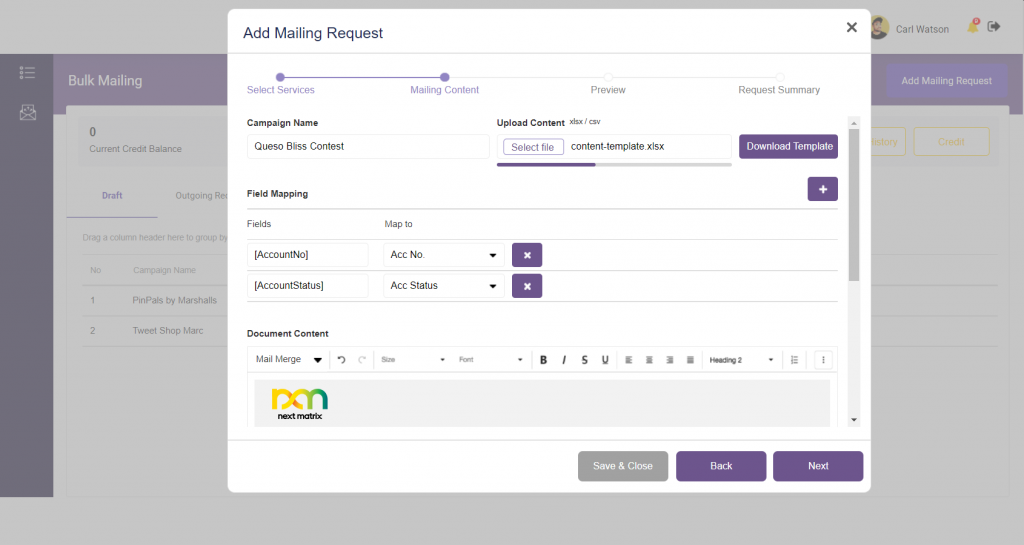
- Proceed to Upload your excel document that contains the recipient information. Start to create your document. Once completed creating your document, click Next
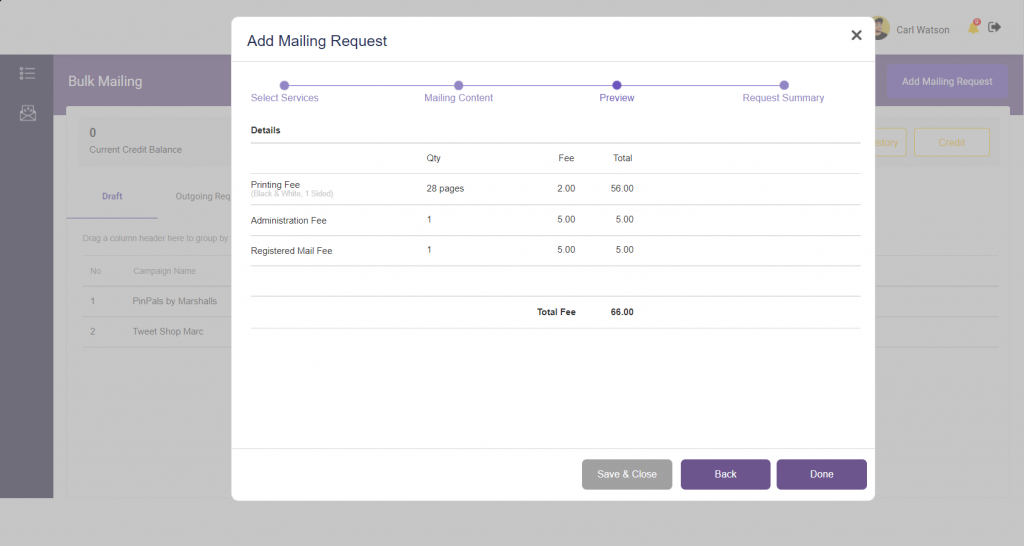
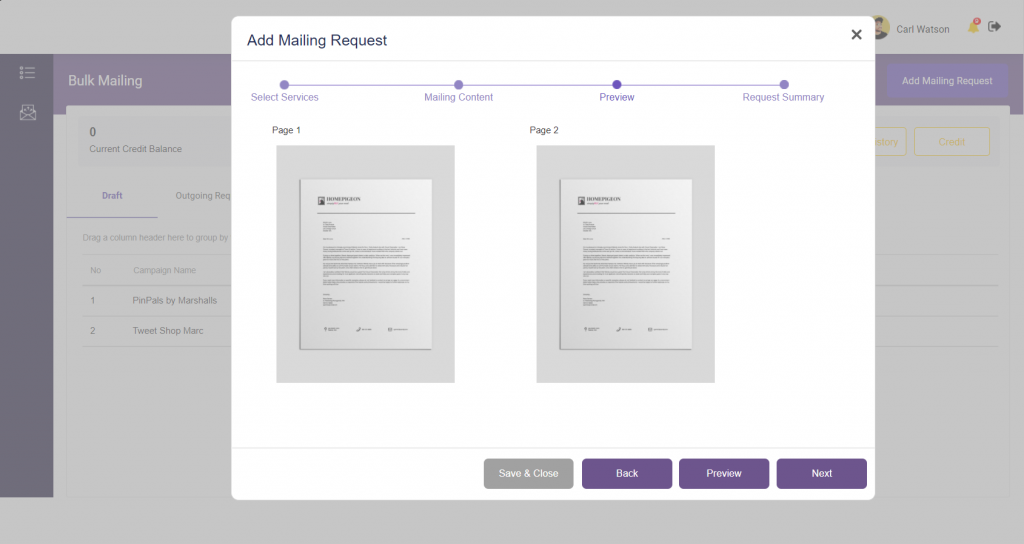
- Preview your document. Once you are satisfied with your created document, click Next.
- Review your request summary before your click Done to submit.