- Log in to your Account. Click on Credit to request purchase of credit points.

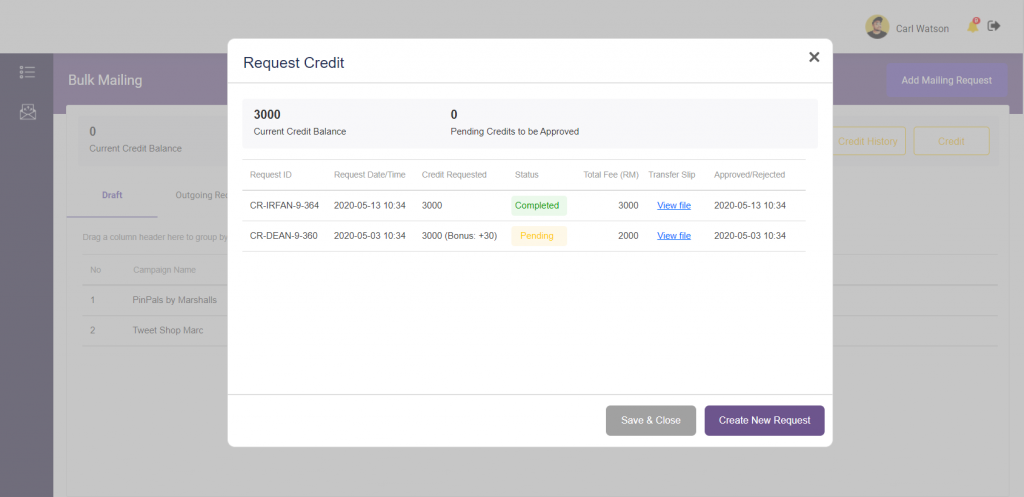
- Click on create new request. On this screen, you will also be able to see the history of your credit request and your current credit balance.
- Proceed to select the number of credit points you wish to purchase. Read the terms and condition and check on the box to indicate your agreement. Proceed to click Next.

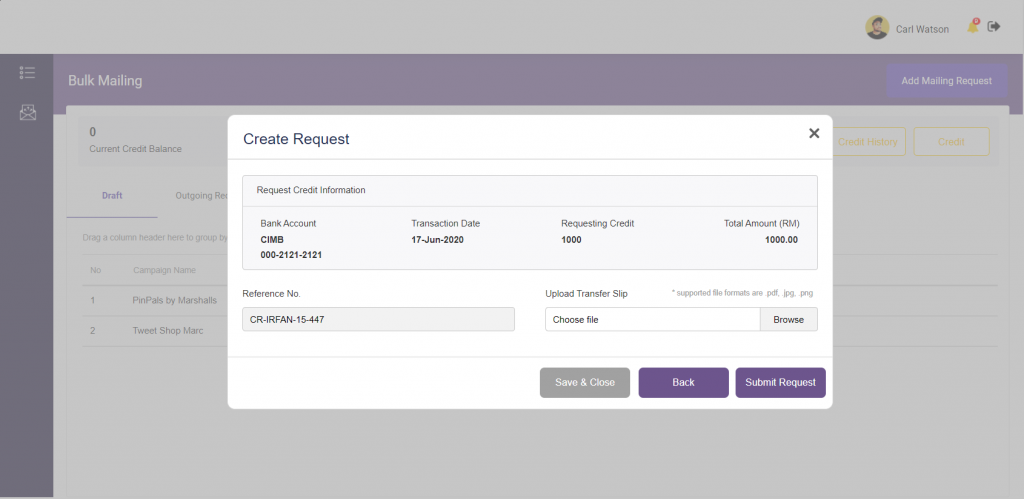
- Once you have bank in the money for credit points purchase, upload the proof of payment or payment receipts and click submit request.